
Device Maintenance
Download ApkDevice Maintenance Application Screenshots


Device Maintenance AI Editor's Review
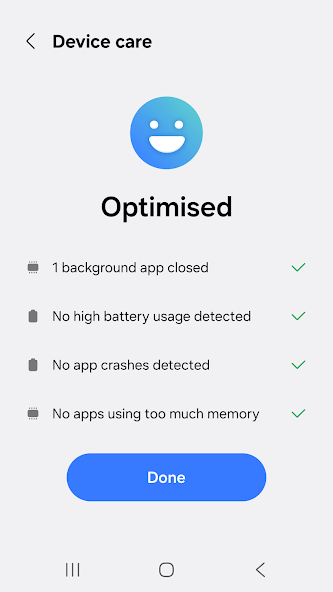
"Device Maintenance" optimizes your Galaxy phone's performance with features like one-tap cleanup, battery management, storage optimization, and RAM boosting. It diagnoses issues and provides solutions for smoother operation. A useful tool for keeping your device running efficiently.
Comprehensive Analysis
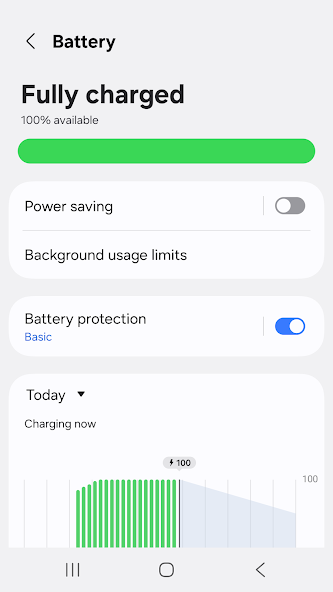
Device Maintenance offers a suite of tools designed to enhance the performance of your Galaxy smartphone. It features one-tap optimization to clear cache, close background apps, and free up RAM. The app also includes battery management options to extend battery life and storage optimization tools to remove unnecessary files. While the interface is intuitive and easy to use, the aggressive RAM clearing can sometimes close important background applications. Overall, it's a helpful tool for maintaining device health, but its effectiveness can vary.
Key Advantages
- One-tap optimization for quick performance boost
- Comprehensive battery and storage management tools
- User-friendly interface for easy navigation
Areas for Improvement
- Aggressive RAM clearing may close background apps unexpectedly
- Effectiveness may vary depending on device model and usage patterns
The Description of Device Maintenance
Site Editorial Commentary:Device Care - optimize your Galaxy smartphone
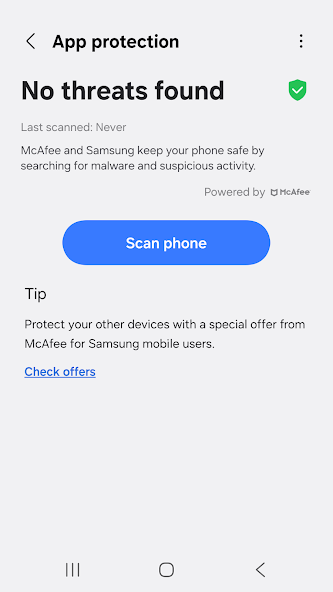
Enhance your Galaxy smartphone experience with Samsung Electronics' "Device care" app. Designed for ease of use, "Device Care" allows anyone to maintain their smartphone's optimal condition effortlessly. Its intuitive interface provides a comprehensive overview of your device's status at a glance, enabling proactive maintenance without requiring specialized knowledge. The app facilitates prompt action against potential issues like malware (viruses, spyware) to ensure device security and performance. note: Some features may not be supported on certain Galaxy devices. App updates via the Google Play Store are available on select devices. Key Features: - Provides a comprehensive assessment of your smartphone's condition with an easy-to-understand 100-point score. - Optimizes your smartphone's performance with a single tap. - Monitors battery usage on an app-by-app basis and conserves power by identifying and managing unused applications through the App power monitor. - Pinpoints apps that consume excessive battery power. - Offers Power saving mode and Maximum power saving mode to extend your smartphone's battery life. - Efficiently manages and frees up memory to improve device responsiveness. - Detects malware (viruses, spyware) and delivers real-time protection to safeguard your smartphone. - Includes two convenient widget types for quick access to essential features. Permissions: This app requires the following permissions. You can still utilize the app's core functionalities without granting optional permissions. Required Permissions: - Notifications: Used to deliver updates and event notifications.


