
Google Duo - High Quality Video Calls
Download ApkGoogle Duo - High Quality Video Calls Application Screenshots



Google Duo - High Quality Video Calls AI Editor's Review
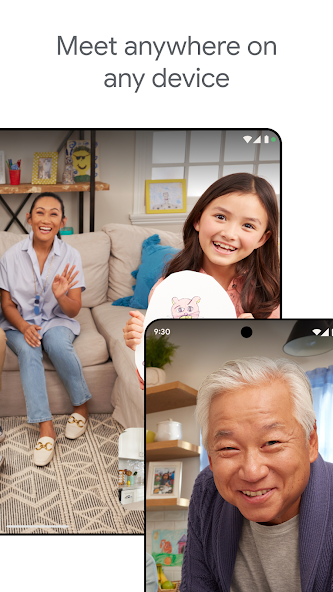
Google Duo provides simple, high-quality video calls across devices. Enjoy clear, reliable connections with features like Knock Knock, allowing you to see who's calling before you answer. Perfect for staying connected with friends and family, Duo offers a user-friendly interface and seamless integration.
Comprehensive Analysis
Google Duo focuses on providing a straightforward and reliable video calling experience. Its key feature, 'Knock Knock,' gives a live preview of the caller. The app excels in call quality, even on lower bandwidths. While it lacks advanced features found in more comprehensive video conferencing platforms, Duo's simplicity makes it accessible to users of all technical levels. It's a great choice for personal video calls with friends and family due to its ease of use and cross-platform compatibility.
Key Advantages
- High-quality video and audio calls
- Simple and user-friendly interface
- Cross-platform compatibility (Android, iOS, web)
Areas for Improvement
- Limited features compared to other video conferencing apps
- Relies heavily on strong internet connection
The Description of Google Duo - High Quality Video Calls
Site Editorial Commentary:High quality video calling for Android & iOS phones, tablets, Google Nest & web.
Google Duo (now upgraded to Google Meet) delivers secure, high-quality video calling for all your needs. Connect effortlessly with family and friends, or collaborate seamlessly with your team, leveraging features designed for optimal communication. Benefit from automatic light adjustment and noise cancellation, ensuring clear visibility and audio, alongside real-time captions that make every conversation accessible. Enhance your calls with fun effects, filters, reactions, and customizable backgrounds to express yourself. Unlock premium features, including AI-powered note-taking for efficient meeting summaries and real-time speech-to-speech translation to overcome language barriers. Google Meet empowers you to stay connected and productive, no matter where you are. Learn more about Google Meet: https://workspace.google.com/products/meet/ • Some features like AI-powered note-taking, speech translation, meeting recording, and noise cancellation are available as premium features. See https://workspace.google.com/pricing.html for more details. • Live captions are not available in every language. See https://support.google.com/meet/answer/15077804 for more details. • Speech translation is not available in every language. See https://support.google.com/meet/answer/16221730 for more details. • Specific feature availability may vary based on device specifications. Follow us for more: X: https://x.com/googleworkspace Linkedin: https://www.linkedin.com/showcase/googleworkspace Facebook: https://facebook.com/googleworkspace/What's New
Premium features, like AI-powered note-taking and real-time speech-to-speech translation, can help everyone focus on the conversation and bridge language barriers.


